Choosing a Microsoft Project Alternative: What Actually Matters
Microsoft Project is the deepest scheduling engine around — people look for alternatives not because it is bad, but because it does not fit. Four criteria for choosing: WBS, baselines, honest schedule computation, and whether your team will use it.
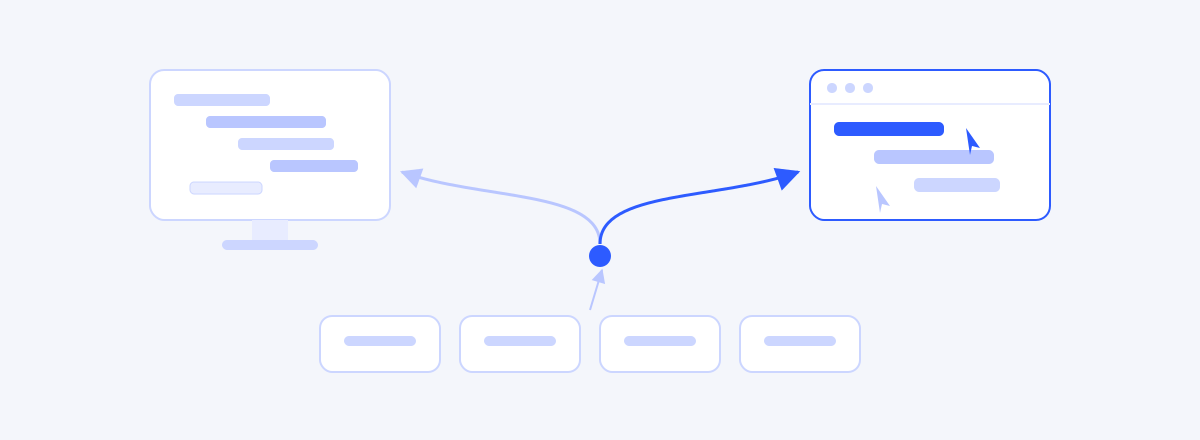
Looking for a Microsoft Project alternative is rarely about finding a cheaper tool — it is about finding a tool that fits the way your team actually works. Microsoft Project is the deepest scheduling engine around, refined over decades. And yet many PMs go searching for alternatives. This article dissects why — as a question of fit, not flaws — lays out the four criteria that actually matter when choosing, and then is explicit about the cases where MS Project remains the right answer.
Why MS Project Became the Standard
Credit where it is due. MS Project is close to the archetype of a scheduling tool: CPM computation, resource leveling, cost management. It has been the standard in construction, defense, and EPC programs for decades, and for a long stretch, scheduling education was effectively written against this tool. Measured purely by the depth of its scheduling engine, few tools compare even now.
So if the reason for seeking an alternative is "MS Project is bad," the question is wrong. The tool is excellent. The question is whether that kind of excellence is what your project needs right now.
So Why Do People Look for Alternatives?
First, depth comes at the price of weight. Few PMs use resource leveling; most use a fraction of the features while carrying the learning curve of the whole. When learning the tool starts eating the time you would spend refining the plan, the priorities have flipped.
Second, the plan tends to circulate as documents again. In many organizations, MS Project remains one person's professional workbench. Team members and clients never open the tool; they read the PDF or Excel the PM extracts. At that moment the plan is consumed as a snapshot document, not a living model — and the problems of document-based planning come right back.
Third, the threshold of adoption: license approvals, installation, per-seat math. Sometimes the procedure for getting a planning tool outweighs kicking off the project itself.
All three are mismatches of situation, not defects of the tool. Which is why the criteria for choosing an alternative should be about resolving the mismatch — not counting features.
Criterion 1: Is the WBS a First-Class Citizen?
Many lightweight tools see a plan as "a task list with bars." But the floor of any schedule is the structure of scope. The tool should know whether the whole of the work has been decomposed with nothing left over (the 100% Rule) and whether the hierarchy is verifiable — that is what structurally prevents missed work from going missing in the schedule too. We covered the method in How to Create a WBS: 5 Steps. Check first whether a candidate tool treats the WBS as the source of truth or as decoration.
Criterion 2: Baselines and Change Tracking
Once execution starts, a plan earns its keep by answering "where are we against the original plan?" A baseline that freezes the approved plan, a comparison against it, and a history of who changed what. A tool without these can author a plan, but it cannot control one. This control machinery is a big part of why MS Project held the standard for so long — an alternative has to answer the same question.
Criterion 3: Does It Compute the Schedule, or Draw It?
A tool that draws Gantt charts and a tool that computes them are different things. Enter dependencies and dates come out; when a predecessor slips, successors follow; the critical path is visible; the tool knows working days and holidays. The mechanics are in How to Make a Gantt Chart, and what one day of slippage does to a whole schedule is demonstrated with real data in When One Task Slips Three Days. The check is simple: during a trial, deliberately push a predecessor. If the downstream bars stay put, that Gantt is a drawing.
Criterion 4: Will the Team Actually Use It?
A tool's learning curve splits in two: the curve for the PM who edits the plan, and the curve for the team that views it and records progress. The first is worth investing in. But if the second is high, the tool becomes one person's workbench again, and the plan goes back to circulating as extracts. Does it open in a browser? Is there read-only sharing? Is recording progress one click away? The team-side threshold decides the second problem.
Two Approaches: The Specialist's Workbench and the Team's Window
| Aspect | Desktop specialist tool | Browser collaboration tool |
|---|---|---|
| Scheduling engine | Very deep (through resource leveling) | Varies by tool (core CPM focus) |
| How the plan circulates | Easily shared as extracted files | One screen shared by link |
| Team participation | Specialist (planner) centered | Low threshold for viewing and input |
| Adoption | Licenses, installs, approvals | Sign up, open a browser |
| Where it fits | Large resource- and cost-driven programs | Small-to-mid execution collaboration |
As always, the right column is not automatically the answer. Pick it on a project that genuinely needs the left column's depth, and you get the same mismatch in the opposite direction.
When MS Project Is Still the Right Call
In these situations, hunting for an alternative is itself the cost.
- Large programs that genuinely use deep features — resource leveling, cost management — every week
- Clients or industry practice that require MS Project deliverables as the standard (construction, defense, EPC)
- A PMO that already owns licenses and employs practiced, dedicated planners
- One person responsible for computing resource allocation across hundreds of tasks and multiple projects
Switching tools is a project in its own right. If you are in the list above, using more of your current tool's depth is the better move.
Other Tools Worth a Look
If you have decided to look, the candidates optimize for different things.
- Microsoft Planner — the lighter collaboration axis inside the same Microsoft ecosystem.
- Smartsheet — Gantt and automation layered on a spreadsheet grammar.
- OpenProject — open source, a fit for organizations that can run their own.
- GanttPRO, TeamGantt and peers — lightweight, Gantt-centered collaboration tools.
- wbsgantt — the tool we build. The WBS tree is the source of truth, with a computed Gantt, baselines, and read-only share links aimed squarely at the four criteria above. It has no resource leveling — if you need that every week, MS Project is the right choice.
Comparisons that line up feature tables and count rows usually fail. Start from which of the four criteria your project is actually suffering on, and the field narrows faster than you would expect.
Frequently asked questions
- I am looking for a way to use MS Project for free. What should I do?
- If what you want is "a free MS Project," the realistic answer is an alternative tool — open-source options or the free tiers of lightweight collaboration tools are that path. But total cost beats the free label: the time to learn, the time to maintain, and the cost of a team that will not use it are all part of a tool's price.
- What happens to my existing .mpp files if I switch?
- Import support varies by tool, so check the candidate first. The realistic strategy is not to force projects in flight to move. Keep finished plans archived as they are, and start new projects in the new tool — that transition has the fewest accidents.
- Don't lightweight tools lack critical path computation?
- It varies by tool, and you should verify by behavior, not by name. During a trial, deliberately push a predecessor a few days. If the successor dates follow and the critical path highlight updates, the tool computes; if the bars stay put, it draws.
- Does a small team need MS Project-grade features?
- Usually not. What small teams actually use is the WBS, dependencies, the Gantt, a baseline, and progress input — and lightweight tools handle that core. When resource leveling or multi-project allocation becomes a weekly need, that is the time to evaluate a heavier tool.
- Our PMO standard is MS Project — can I use something else?
- Coexistence through compatible deliverables is common: run execution collaboration in a lighter tool while meeting the standard with Excel or PDF outputs for reporting. But if the contract requires submitting .mpp files themselves, follow the standard.
Read next
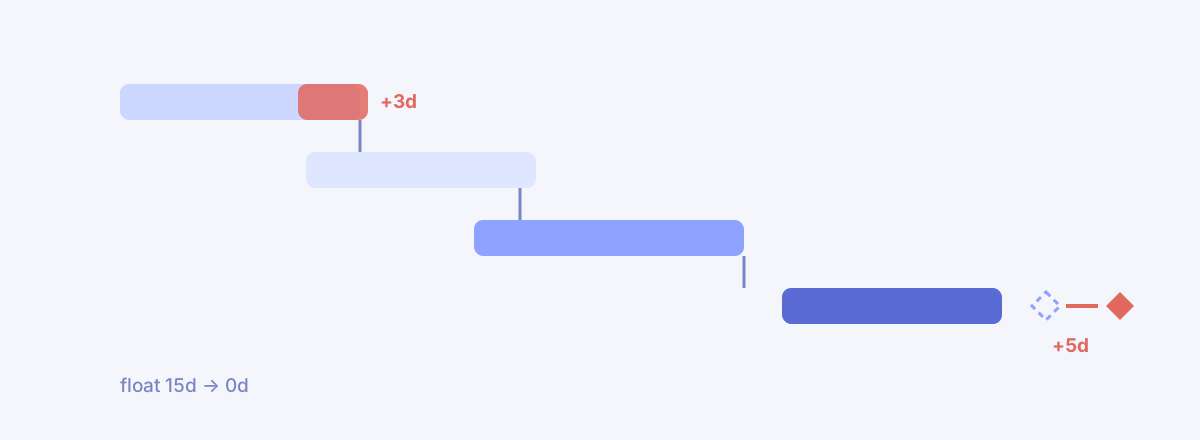 If One Task Slips Three Days, How Late Is the Project?We fed in +3 days and CPM recomputed the chain — zero delay at first, until a missing line surfaced. Fill it in, and the critical path moved house.02
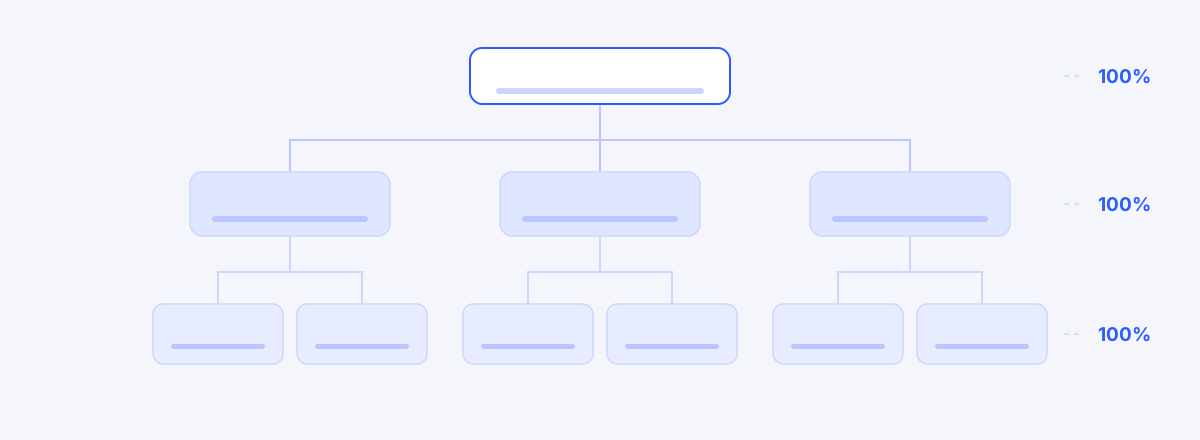 How to Create a WBS: 5 Steps from the 100% Rule to 8/80Build a WBS in five steps — start from the deliverable, decompose with the 100% Rule, size with 8/80, and de-duplicate with mutual exclusivity. Includes a 30-minute completeness checklist.03
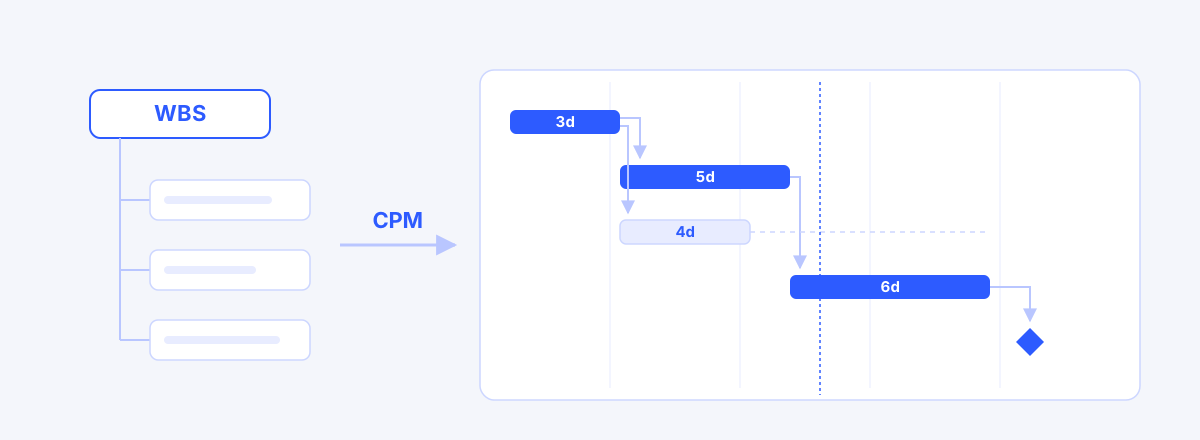 How to Make a Gantt Chart: From WBS to a Working ScheduleA Gantt chart is computed, not drawn — five steps from WBS through durations, dependencies, CPM and a baseline, plus where Excel Gantt charts fall apart.