Why a WBS Is Hard to Keep in Jira — and How to Pair the Two
Jira is the standard for execution, but a WBS demands a different kind of structure — three mismatches around the 100% Rule, schedule computation, and reporting language, and a coexistence strategy that keeps planning in the WBS and execution in Jira.

Keeping a WBS in Jira is hard not because Jira falls short, but because an issue tracker and a WBS answer different questions. Jira answers "who is doing what right now"; a WBS answers "what is the whole scope, and when will it be done." This article pins down the three points where the two worldviews diverge, then lays out a coexistence strategy that keeps each in its place instead of abandoning either.
What Jira Does Well
Let us be clear first. For tracking development execution, Jira is the de facto standard. Creating, assigning, and transitioning issues, running sprints, ordering a backlog, connecting work to code and deployments — few tools handle the flow of execution this well. If your development team runs on Jira, that is usually the right call.
The trouble starts when the whole project's plan is loaded on top. The tool does not get worse — it is being asked to do a different kind of job.
A WBS and an Issue Hierarchy Answer Different Questions
Jira's hierarchy — epics, stories, subtasks — looks a lot like a WBS tree at first glance. But the two are born different. An issue hierarchy is a structure for doing work: it accumulates in a backlog, gets pulled into sprints, and closes when done. A WBS is a structure for promising scope: it is verified to decompose the whole with nothing left over, and once approved, it becomes subject to change control.
They may both look like trees, but one is flowing water and the other is a contract. Three mismatches follow from this difference.
Mismatch One: The 100% Rule vs. a Living Backlog
The first discipline of a WBS is the 100% Rule: the children must sum to the whole of the parent, with nothing missing. A backlog, by design, is fluid. Issues appear, split, and get discarded all the time — that fluidity is the backlog's virtue.
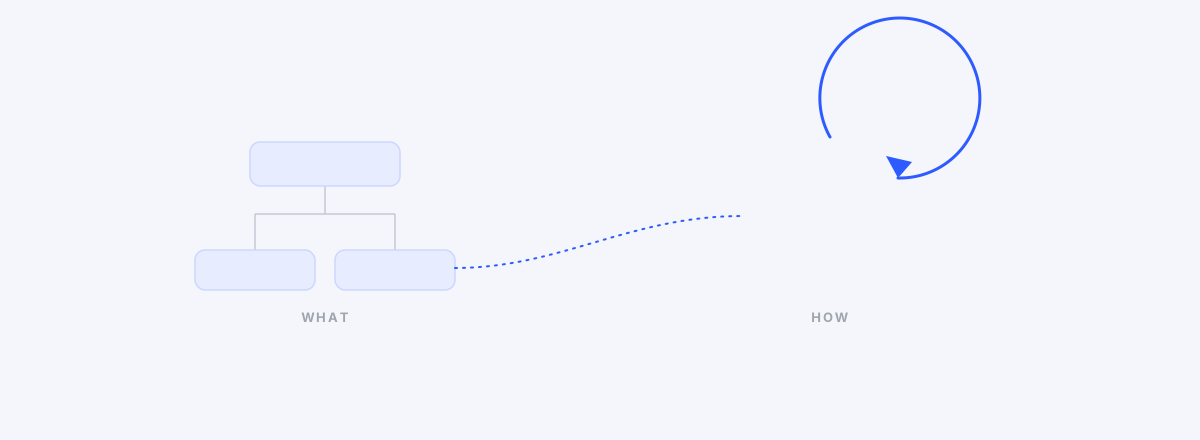
So verifying scope completeness against an issue list soon hits a wall. "Are these epics the whole project?" is a question the backlog was never designed to answer. And this tension is not agile versus WBS — as we covered in WBS and Agile Were Never at War, decomposing the What and executing the How are work on different layers to begin with.
Mismatch Two: Schedule Computation and Baselines
You can put due dates on issues, and timeline views or plugins can show bars. But what project schedule management demands is not bars — it is computation. Dates derived from dependencies, successors that move when a predecessor slips, a visible critical path, and a comparison of today against the baseline frozen at approval.
An issue tracker's unit of time is the sprint — a box — not a chain of dates linked by dependencies. To "will it be done in three weeks?", velocity can estimate; it struggles to compute.
Mismatch Three: The Language of Reporting
Executives and clients do not ask in story points and burndowns. They ask how far the phase has come, whether milestones are holding, and how far things have slipped against the original plan. The vocabulary of that language is the WBS, the Gantt, and the baseline.
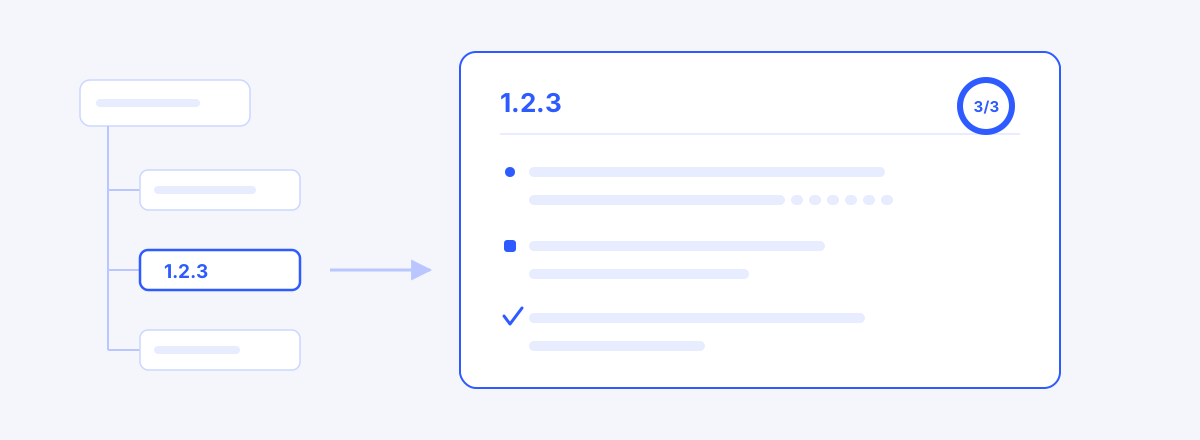
Many PMs translate issue data into phase language for every report, slide by slide. The translation cost is real, but the bigger problem is the definition of done. An issue's "Done" and an inspectable acceptance criterion are different things — how to pin acceptance criteria down in writing is covered in How to Write a WBS Dictionary.
The Coexistence Strategy: Plan and Control in the WBS, Execution in Jira
The answer is not to abandon one side — it is to separate the layers.
- Scope comes first, in the WBS. At project kickoff, decompose the full scope into a WBS and verify it with the 100% Rule. For standing up the skeleton quickly, approaches like our experiment drafting a WBS with AI can help.
- The plan's source of truth stops at the work package. The lowest WBS boxes map to Jira epics or issue groups. Everything below — subtasks, sprint placement, assignees — belongs entirely to Jira.
- Schedule and baselines live on the WBS side. Dependencies, CPM, baselines, and milestones are computed in the planning tool, and reporting goes out from there.
- Only progress flows up, on a cadence. When a sprint ends, reflect progress at the work-package level only. Not mirroring individual issues is the heart of this strategy — widen the interface and double bookkeeping begins.
Two Approaches: The Flow of Work and the Promise of Scope
| Aspect | Issue tracker (execution) | WBS and scheduling tool (plan and control) |
|---|---|---|
| Base unit | Issues, stories | Work packages |
| Nature of structure | A fluid backlog | A verified decomposition (100% Rule) |
| Time | Sprint boxes | Dates computed from dependencies |
| Reference | Velocity, burndown | Variance against a baseline |
| Reports to | The team | Executives, clients, contracts |
| Question answered | What are we doing now? | Is this everything — and when does it end? |
The two columns are not rivals. They are different layers of the same project, and organizations that run well usually have both.
When Staying Inside Jira Is the Right Call
There are clearly situations where staying in the Jira ecosystem beats adding a tool.
- The whole organization lives in Jira, and the people receiving reports open Jira too
- The scope under management is one or two teams' development work, with weak demand for phase and milestone reporting
- Jira plugins — WBS Gantt-Chart, Structure, BigPicture — already cover the hierarchy and Gantt you need
In those cases, evaluating the plugin route first is the natural move. The number of tools is a cost in itself.
Other Tools Worth a Look
- The Jira plugin family (WBS Gantt-Chart, Structure, BigPicture) — staying inside Jira while reinforcing hierarchy and Gantt.
- Jira's own timeline and roadmap features — if an epic-level big picture is all you need, they may be enough without anything extra.
- wbsgantt — the tool we build. It is the planning side of the coexistence strategy: the WBS as the source of truth, a computed Gantt, baselines, and read-only share links for clients and executives. It has no automatic Jira integration — it assumes the interface stays narrow, at work-package progress input.
Whichever path you take, start from the question, not the tool. If the question your organization cannot answer is "what are we doing now," refine Jira. If it is "is this everything, and when does it end," build the planning layer.
Frequently asked questions
- Can I draw a Gantt chart in Jira?
- Yes — through timeline views or plugins. But it is worth taking the question one step further: not whether bars can be drawn, but whether dates are computed from dependencies and variance is tracked against a baseline. If that demand is light, Jira's own features are enough; if it is heavy, a separate planning layer is the better fit.
- We are an agile team — why would we need a WBS?
- For running the team, you may not. Where it becomes necessary is the interface with the outside: contracts, acceptance, the question "when will it be done," and confirming the scope is fully covered are hard to answer in sprint language. Decompose the What with a WBS and execute the How in sprints — the two layers do not conflict.
- Will we not end up managing Jira issues and the WBS twice?
- If you mirror individual issues, you certainly will. The key is a narrow interface. Keep the WBS as the source of truth only down to the work package, leave everything below entirely to Jira, and reflect progress at sprint close — that keeps both layers alive without double bookkeeping.
- A Jira plugin or a separate planning tool — which is better?
- If your organization is Jira-centric and the people you report to open Jira, a plugin is the natural choice. If your reporting targets live outside Jira (clients, executives), or you want the plan's source of truth separate from the development tool, a dedicated tool fits better. Either way, the number of tools is itself a cost.
- Where do we start with the coexistence strategy?
- The next project kickoff is the best moment. Decompose and verify scope in a WBS first, map work packages to Jira epics, and reflect only progress at the end of each sprint. Run it for one project and you will see exactly how narrow the interface should be.
Read next
 WBS and Agile Were Never at WarCaught between "we're agile, we don't do WBS" and contractual reporting — decomposing the What (WBS) and executing the How (sprints).02
 We Let Claude Build an Entire SI Project's WBSConnected over MCP, Claude drafted, refined, scheduled, and defined the WBS for a 6-month manufacturing ERP build — recall by machine, commitment by human.03
 How to Write a WBS Dictionary: Definition, Deliverables, Acceptance CriteriaThe WBS tree lists the work; the dictionary is each box's contract — how to write definition, deliverables and acceptance criteria, with bad and good examples, and where to start.